We transform how people learn motion graphics
Since launching in 2022, we've built something different. Our courses focus on the technical foundations and creative workflows that actually matter in professional motion design.
Why we started this
Most motion graphics courses teach software buttons. We wanted to teach how to think like a motion designer. The difference shows in your final work.
Our approach emerged from frustration with surface-level tutorials that skip the reasoning behind design decisions. We structure content to build understanding layer by layer, connecting technical skills with creative problem-solving.
Real workflows
Learn the actual processes studios use, not simplified versions. We show you the messy parts too.
Technical depth
Understanding expression controls and interpolation types isn't optional for serious work. We cover them properly.
Community feedback
Submit work for review, see what others are building, and learn from the questions people actually ask.
Who builds this

Oskar Lehtinen
Lead Instructor
Spent 8 years in broadcast design before switching to education. Still takes freelance projects to stay current with industry demands.
How we approach teaching
Every lesson starts with a problem you'll actually encounter. We show you three ways to solve it, explain why one works better for specific situations, and let you practice with real project files.
Our courses assume you can follow technical explanations. We don't simplify concepts until they lose meaning. If something's complex, we break it down properly rather than skip it.
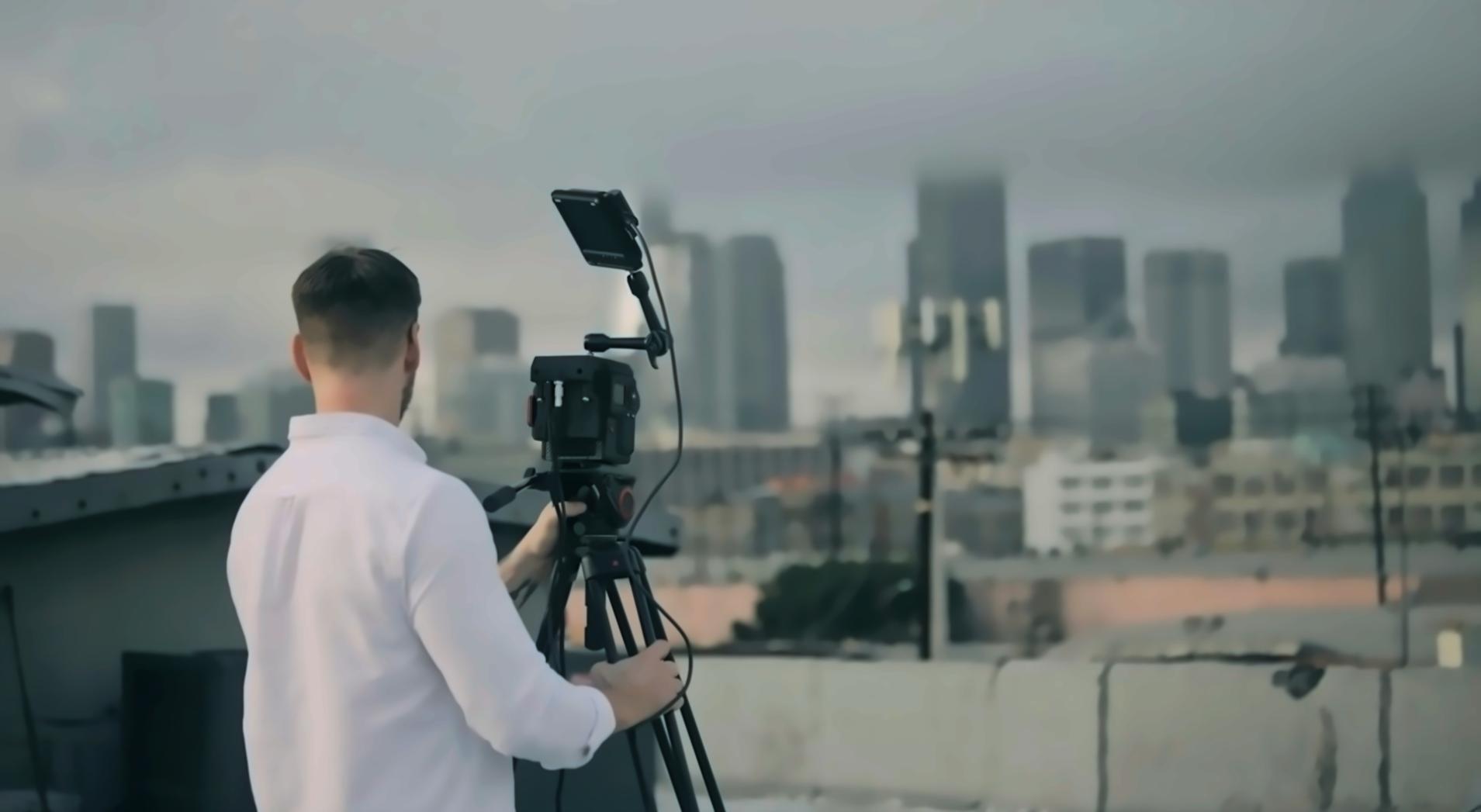

Our teaching principles
Show the reasoning behind every technique
Build skills progressively without gaps
Use real project scenarios throughout
Explain when and why tools matter
Ready to learn motion design properly?
Check out our current courses or contact us if you have questions about which program fits your current skill level.